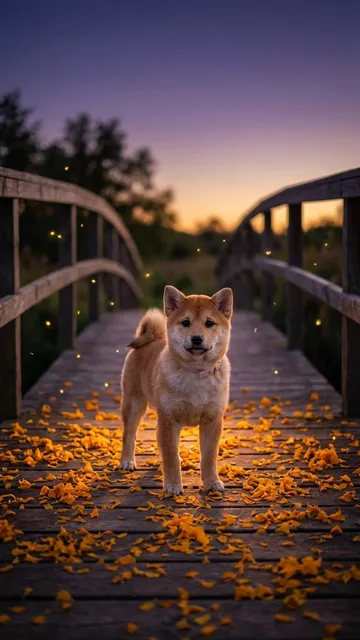
 AI-generated
Seasonal
Marigold Bridge Pet Memorial Video
A glowing path of marigolds, a gentle glance back, and the love you carry forward.
10 credits · Seasonal
Turn one photo of your dog or cat into a pet AI video with personality. Explore ready-made scenes, review a free watermarked preview, and create a 10-second vertical clip.
Free preview · From $5.99 · AI-generatedAn AI tribute, not a real recording.
 AI-generated
Choose a scene for the pet you know and love.
AI-generatedSeasonal
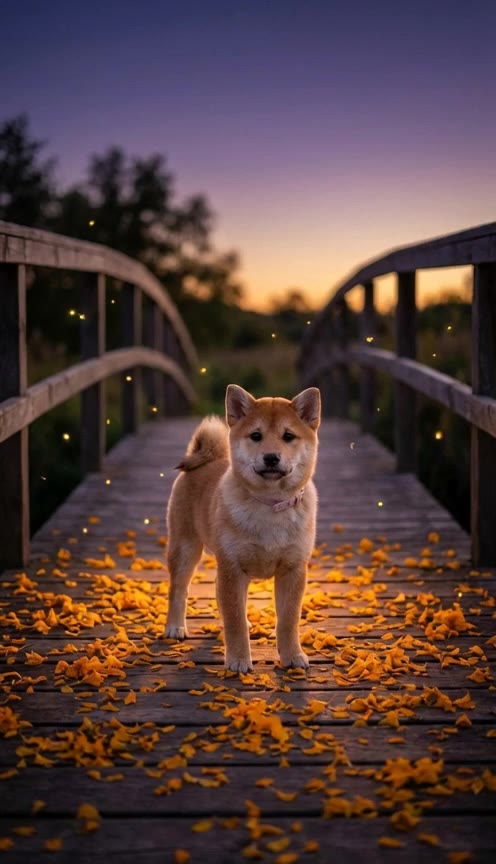
A glowing path of marigolds, a gentle glance back, and the love you carry forward.
10 credits · Seasonal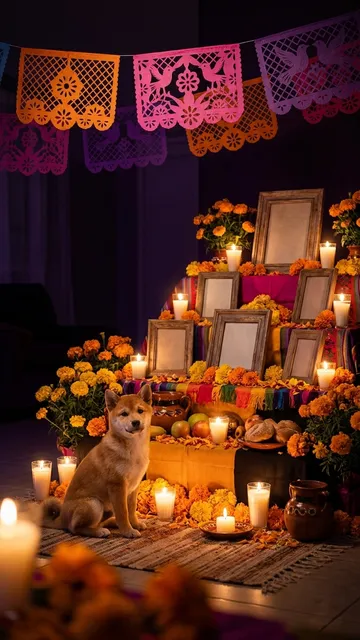 AI-generated
Seasonal
Remember your companion beside a warm, carefully imagined pet ofrenda.
10 credits · Seasonal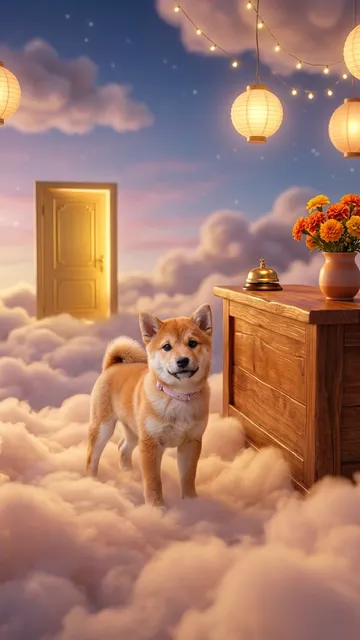 AI-generated
Seasonal
A lighter, tender welcome for people who want remembrance without heavy sadness.
10 credits · SeasonalAI-generatedSeasonal
A gentle gift for someone who just lost their pet.
30 credits · SeasonalSeasonal
A sweet face or a secret mischief maker? Turn one pet photo into a playful halo-or-horns reveal with a surprise ending.
10 credits · SeasonalRising
The cat in the mustard suit, singing his heart out by the tennis court—now starring your pet. One photo, no filming.
15 credits · RisingRising
One photo puts your dog or cat center stage in a monochrome studio, with original fictional adult dancers and a confident ear-flip finish.
9 credits · RisingEvergreen
Caught on fridge cam: your pet sneaking the tiramisu. Upload one photo and get the viral fridge POV in seconds.
10 credits · Evergreen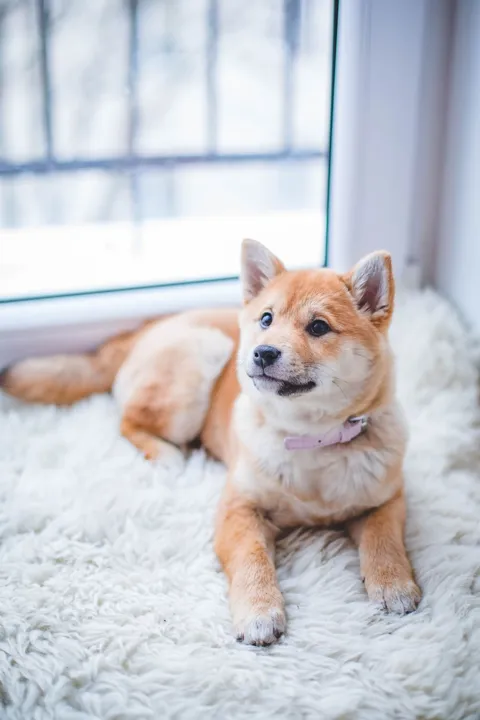
One familiar face. One cherished photo.
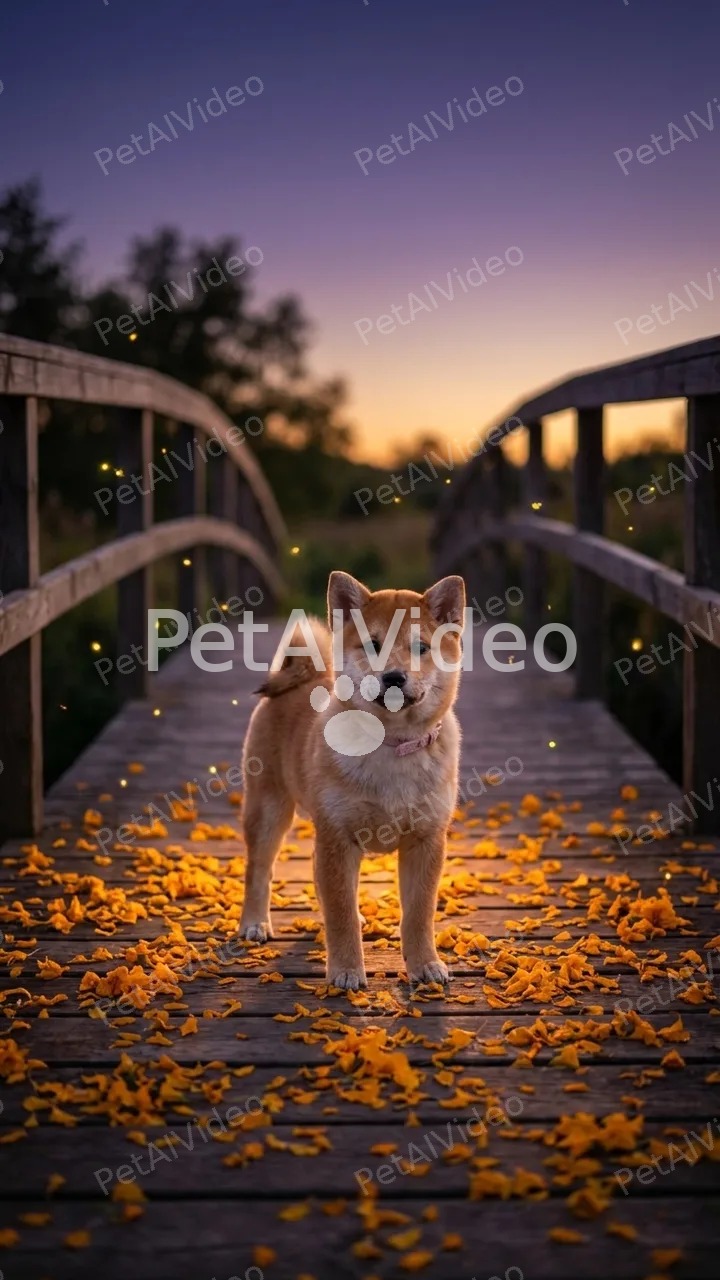
Watermarked · the first frame of your video.
AI-generatedA little moment to keep close.
Upload one clear photo of your pet
Pick a style and see a free preview
Get your 10-second vertical video to share or keep.
A pet AI video begins with a still photograph and imagines what could happen around your companion. Instead of recording a performance, you choose a scene that brings out a feeling: affection, curiosity, or a quiet moment of remembrance. The result is a short creative interpretation guided by your pet’s appearance. Their face, coat, and markings provide a starting point, although generated details can vary. Every output is labeled AI-generated so viewers understand how it was made.
PetAIVideo is built for people who have a favorite photo and an idea, without needing animation or editing experience. Dogs and cats work best. You can keep a clip for yourself, send it privately to family, or share it with a clear AI label. A memorial is always an AI tribute, not a real recording, and should be approached at your own pace.
Start by choosing an available template and uploading one clear JPG, PNG, or WebP photograph up to 10 MB. Use a well-lit picture with one pet, an unobstructed face, and visible markings. A simple background helps keep attention on your companion. Confirm that you are at least 18 and own the photo or have permission to use it. Our photo tips explain which pictures give the clearest starting point.
Next, review the free watermarked first-frame preview. This is a still image, rather than a free finished video. Look at your pet’s features and the setting before spending credits. If the preview feels right, continue to generate a 10-second vertical clip. Review the finished result before sharing, because movement and small details may differ from the original photo. One free re-make is available within 24 hours if the finished video does not feel right.
The available collection starts with three gentle memorial styles: Marigold Bridge, Ofrenda Reunion, and Pet Afterlife Check-In. Each offers a different imagined setting for remembering a pet, from warm flowers to a candlelit welcome. During the Day of the Dead season, the highlighted tribute card takes you directly to these options. They remain available for personal remembrance beyond the seasonal window.
Playful templates include a suited singing pet, a fridge camera cake heist, a monochrome dance scene and a halo-or-horns reveal. Choose a live card to create a video today. For trend-inspired posts, add the trending sound in TikTok/Reels when you post. Original hit songs and singer impersonations are not supplied. Keep the AI-generated label when sharing so friends and followers can enjoy the imagined scene with the right context.
Try the watermarked preview before purchasing credits. A standard video uses 10 credits, with the Single pack starting at $5.99. The $13.99 Starter pack provides 30 credits for three standard videos, including the option to create all three memorial styles as a Memorial Bundle. Credits work across templates and do not expire, so you can choose when to use the rest of a pack.
These are one-time credit purchases. Technical failures return credits automatically, and unused credits are refundable within 14 days under the refund policy. Visit pricing to compare all packs and choose an amount that fits what you want to make.
Upload pets only. Any photograph containing a child is rejected, even if the child appears in the background. Avoid human portraits, multiple pets, drawings, toys, and photographs showing injured or deceased animals. For a tribute, choose a happy photograph from when your companion was well. Ask before creating a memorial for someone else: an animated image can feel deeply personal, and a private gift may be more appropriate than a public post.
Uploaded photos are deleted after seven days and videos after thirty days, so download the results you want to keep. Tribute pages remain until their owner deletes them and are not indexed by search engines. Read the privacy policy for details, or contact [email protected] with a privacy or content question. A little care at each step helps make the experience respectful for everyone involved.
$5.99 for 10 credits · $13.99 for 30 credits and all three memorial styles. Credits work for every template and do not expire.
See all credit packs →A pet AI video is an AI-generated clip that uses a pet photo to imagine a new scene and movement. It is a creative interpretation, not footage of an event that happened.
Choose a live template, upload one clear pet photo, and review your free watermarked first-frame preview. If you want to continue, use credits to create a 10-second vertical AI-generated video.
Yes. Your watermarked AI-generated first-frame preview is free, so you can check your pet and the scene before using credits.
One video is 10 credits, from $5.99 for one video. The $13.99 Starter pack includes 30 credits for 3 videos or the Memorial Bundle.
Your photo guides their face, coat and markings, though AI can change details. Review the free preview and use one free re-make within 24 hours if the finished video does not feel right.
Videos are generated with the Seedance 2.0 AI video model family by ByteDance. PetAIVideo is not affiliated with ByteDance.