
A gentle way to remember your pet
A pet memorial video starts with a photograph you already treasure. PetAIVideo uses that one photo to imagine a short, quiet scene in which your companion appears among marigolds, candlelight or a warm doorway. It is not a slideshow and it is not footage of something that happened: every result is labeled AI-generated, and every memorial is an AI tribute, not a real recording. The scenes are designed for remembrance rather than spectacle, with no skeletons, skulls or frightening imagery. Take your time. You can look at the free preview first and decide whether the scene feels right before spending any credits.
Can AI bring my pet back to life in a video?
No video can bring a pet back, and PetAIVideo does not pretend to. What it can do is animate a cherished still photo into a short, imagined scene, so you can see your dog or cat move again in a gentle setting. Your photo guides their face, coat and markings, though AI can change details. That is why every memorial starts with a free watermarked preview, and why every result is labeled an AI tribute, not a real recording. For Día de los Muertos, the three memorial styles draw on marigolds, candlelight and remembrance, without skeletons or frightening imagery.
Three memorial styles
Marigold Bridge places your pet at the start of a softly glowing path of flowers, with a gentle glance back and warm light in the distance. Ofrenda Reunion remembers your companion beside a warm, carefully imagined pet ofrenda in candlelight. Pet Afterlife Check-In is a lighter, tender welcome, with a cozy welcome desk, a little bell and a warm doorway, for people who want remembrance without heavy sadness. Each style uses 10 credits, and each one begins with its own free watermarked preview so you can compare how your pet looks before you continue.
The Memorial Bundle
If you cannot choose, the Memorial Bundle creates all three styles from the same photo for 30 credits, which is exactly the $13.99 Starter pack. You review a watermarked first frame for each style before purchase. The three videos can be gathered on one tribute page together with an optional name and year and a short personal message. Many people use the bundle as a gentle gift for someone who has just lost their pet; if you make one for a friend, ask before using their photo, because an animated tribute can feel very personal during grief.
Choosing the photo
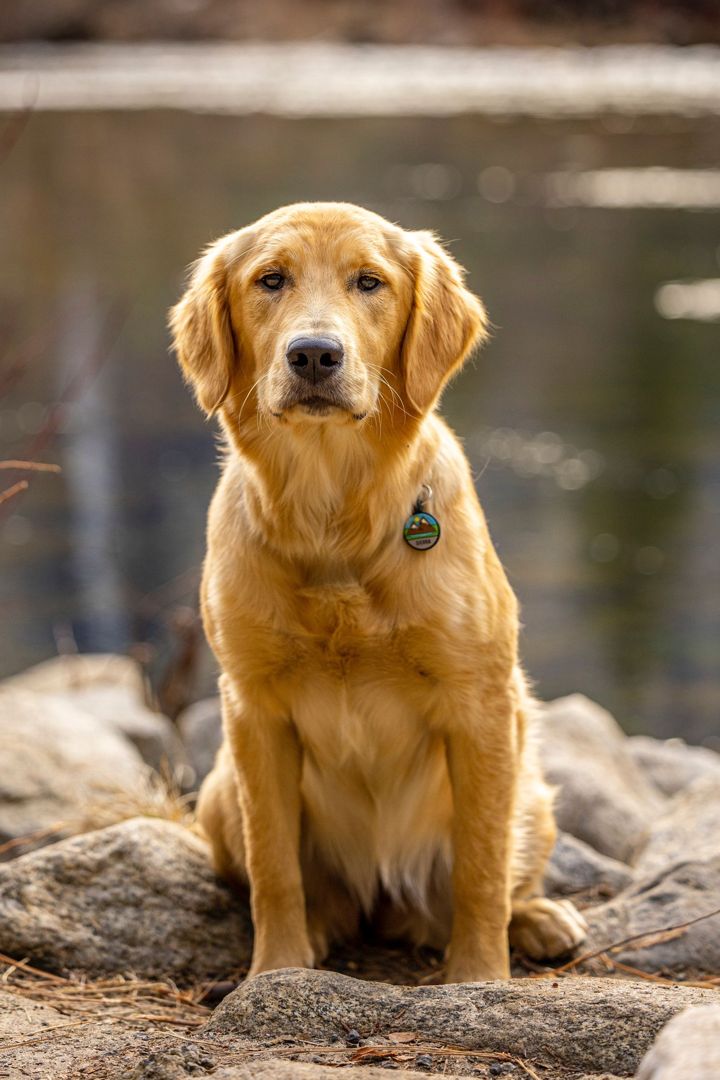
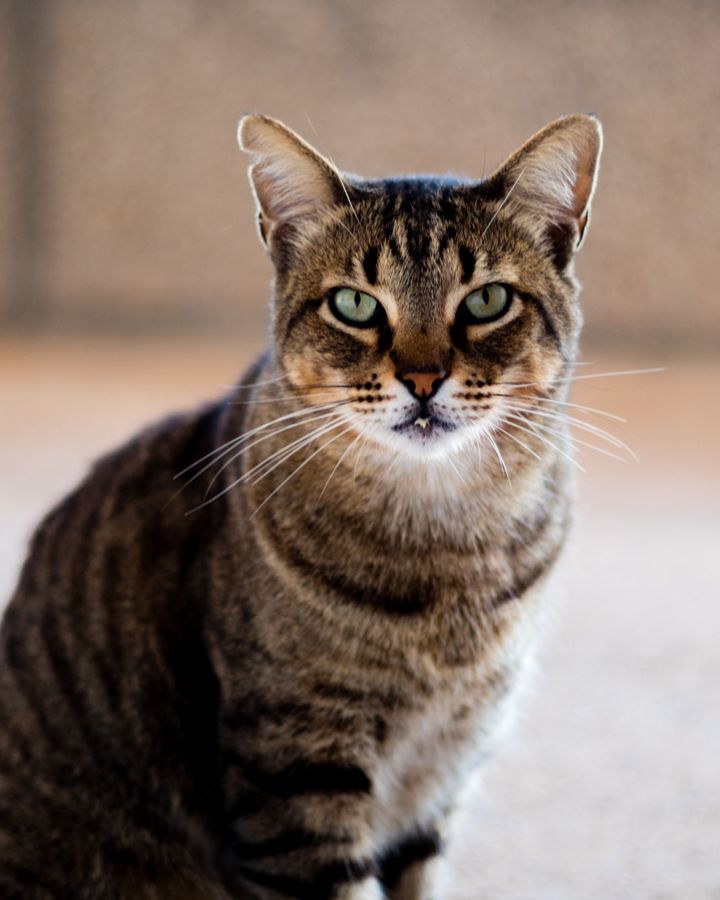
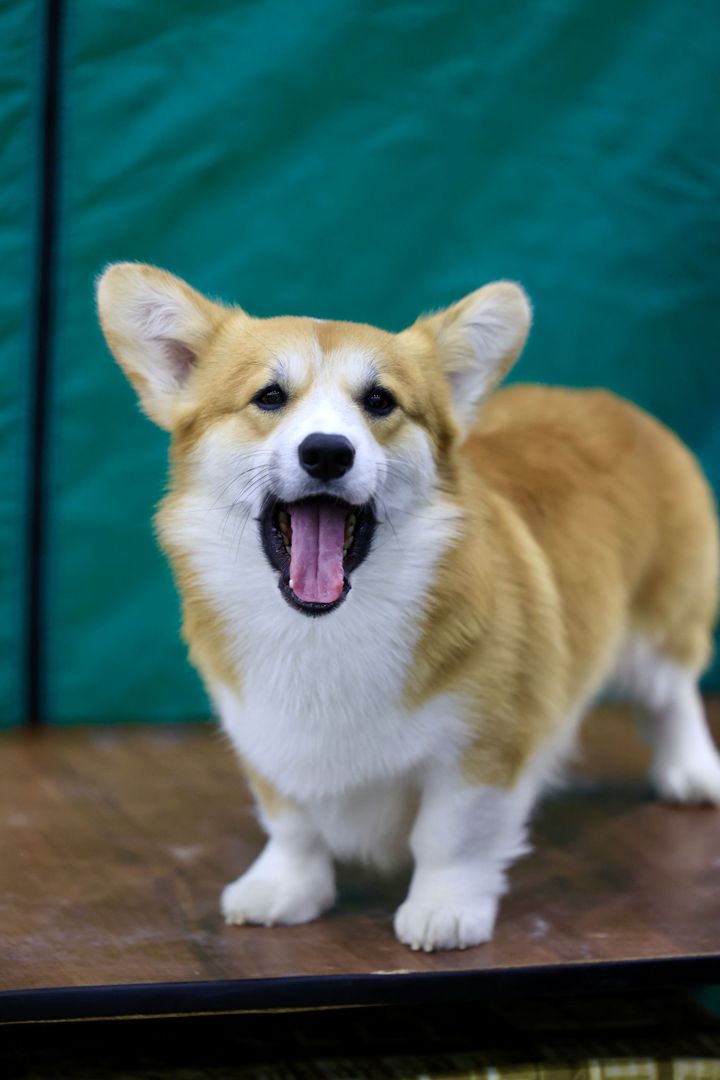
Choose a happy photo from when your companion was well. A sharp, well-lit picture of one pet with the face clearly visible works best, ideally from the front or a three-quarter angle, with your pet filling at least 30% of the frame. Upload one JPG, PNG or WebP file up to 10 MB. Dogs and cats work best; other pets can be uploaded, but review the preview carefully. Photos that contain a child are always rejected, even if the child is in the background, and human portraits, several pets, drawings, toys and photos of injured or deceased animals cannot be used. Rejected photos do not use credits.
What you receive
Each finished memorial is a 10-second vertical 9:16 video with soft original music. You can download the main MP4, a silent version and a cover image when available, and copy a caption if you want a starting point for your own words. If the finished video does not feel like your pet, one free re-make is available within 24 hours using the same photo and style. If generation fails for a technical reason, credits return to your wallet automatically.
Privacy and keeping your files
Uploaded photos are deleted after seven days and videos after thirty days, so download the files you want to keep. A tribute page remains until its owner deletes it. Anyone with the link may view a tribute page; search indexing is disabled, but the page is not private, so share the link thoughtfully. When you post a memorial publicly, keep the AI-generated label so friends understand that the scene is imagined.